API Basics
Server API Beta
Our Server-API is currently in BETA and will be extended frequently. While in BETA, functionality and fields might change. If that happens, we will notify you in advance. We intend to release the final V2 end of 2026.
API Access and Key Management
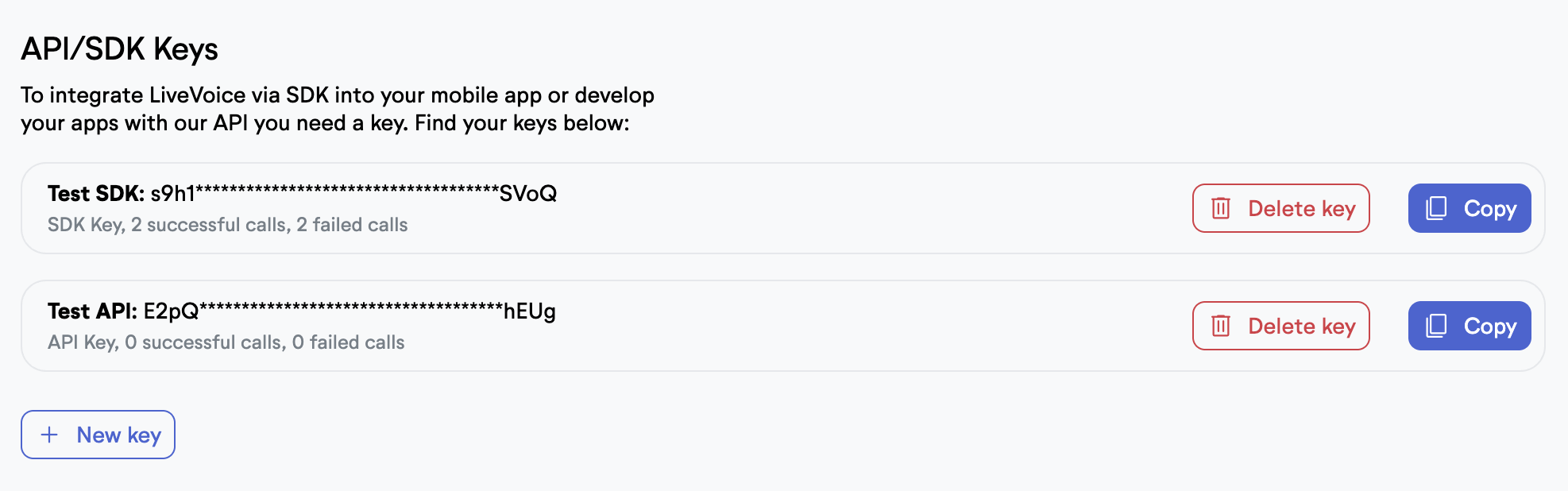
If you want to enable the Server-API for your account, please ask our friendly support team to enable it for your account. You can freely create or delete API keys via the UI in your account.
API Authentication
For every request, make sure you are sending your API key either in a simple header "api-key" or in a header "Authorization: Bearer {api-key}". If you provided the wrong API key or the wrong header, the API will return an "invalid_api_key" error. If your account has disabled API use, the API will return a "disabled_api" error. All requests with parameters expect a JSON body with Content Type: application/json.
API Rate Limits
The API usage is currently limited to a maximum of 60 requests per user per minute (returning a 429 error if exceeded).
API Responses and Request History
In general, error responses look like that:
{
    "status": "error",
    "error": "disabled_api"
}
and successful calls like that:
{
    "status": "success",
    ...
}
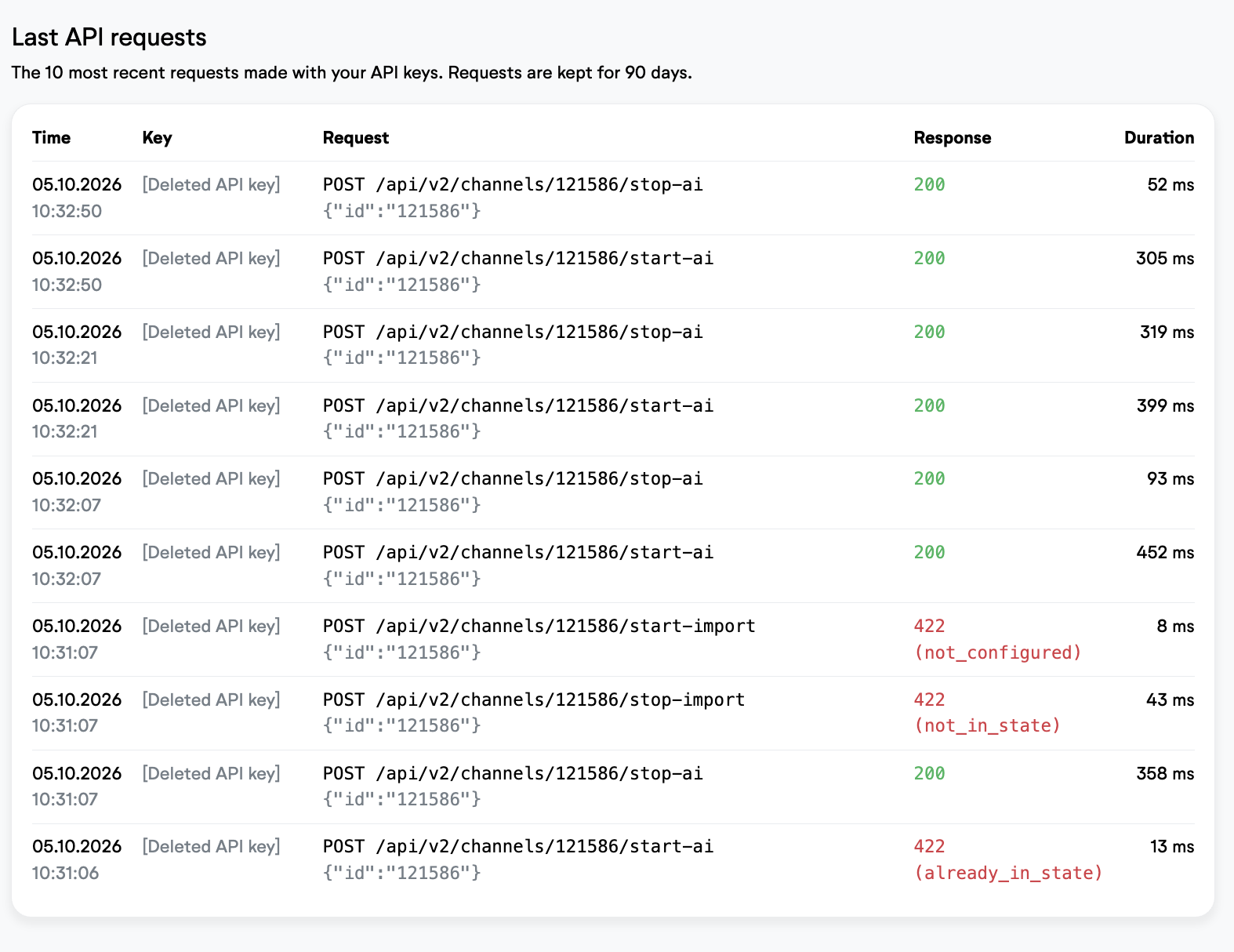
You can see your last 10 requests on your API-Keys account page, including all response codes. This helps you to debug your application when building with our API.