AI Live Captions
Provide original subtitles in real time and transcripts of your audio in the easiest way possible.

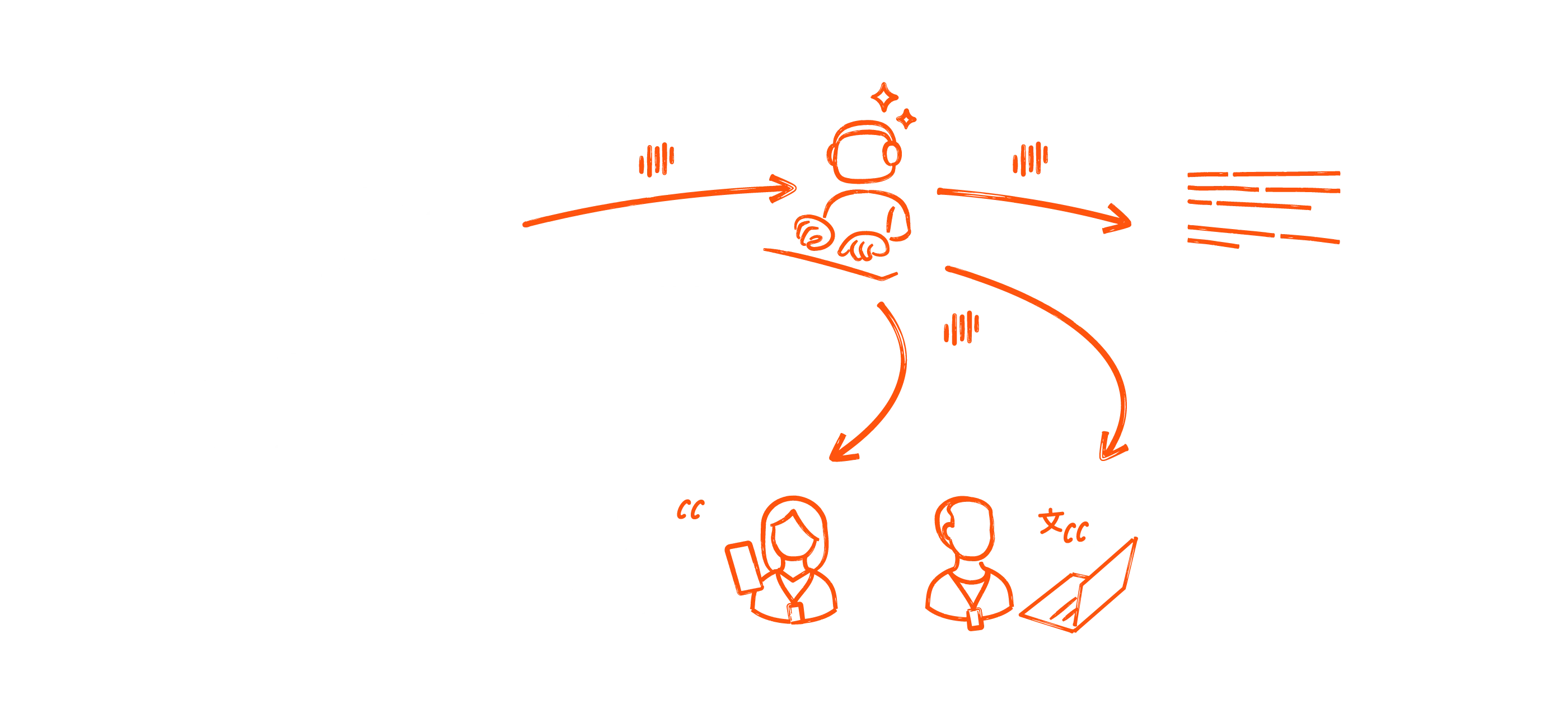
Make your event accessible.
Boost event accessibility with AI-powered captions for any LiveVoice audio channel. Attendees can easily select their preferred live transcript in the LiveVoice app. Alternatively you can show subtitles on a large screen on-site or on your video stream. Create an inclusive experience that everyone can enjoy, with just a few clicks.
Transcribe your content automatically.
Extend the value of your live content. When using the live captions feature or AI translation you can download transcripts as text, CSV, SRT or VTT files after your event. This lets you share transcripts with attendees, add them to on-demand videos or use the transcript as basis for further content.
Subtitles anytime, anywhere.
Provide automatic captions in any way
you want.
On attendees smartphones

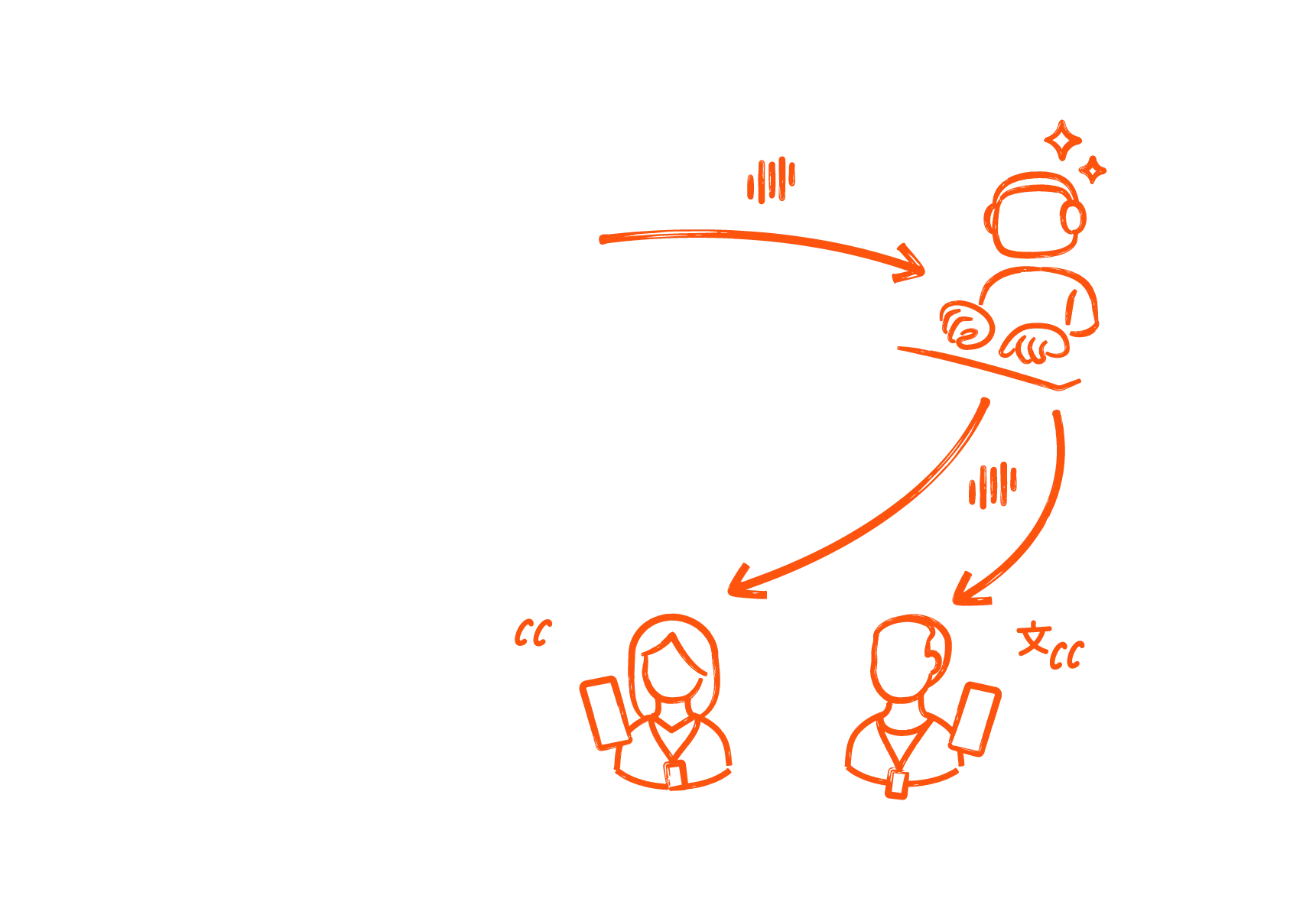
Users can read captions in the LiveVoice app, following on their own devices.
On the web


Display subtitles in any web browser on computers and other devices. Ideal also for online events.
On large screens

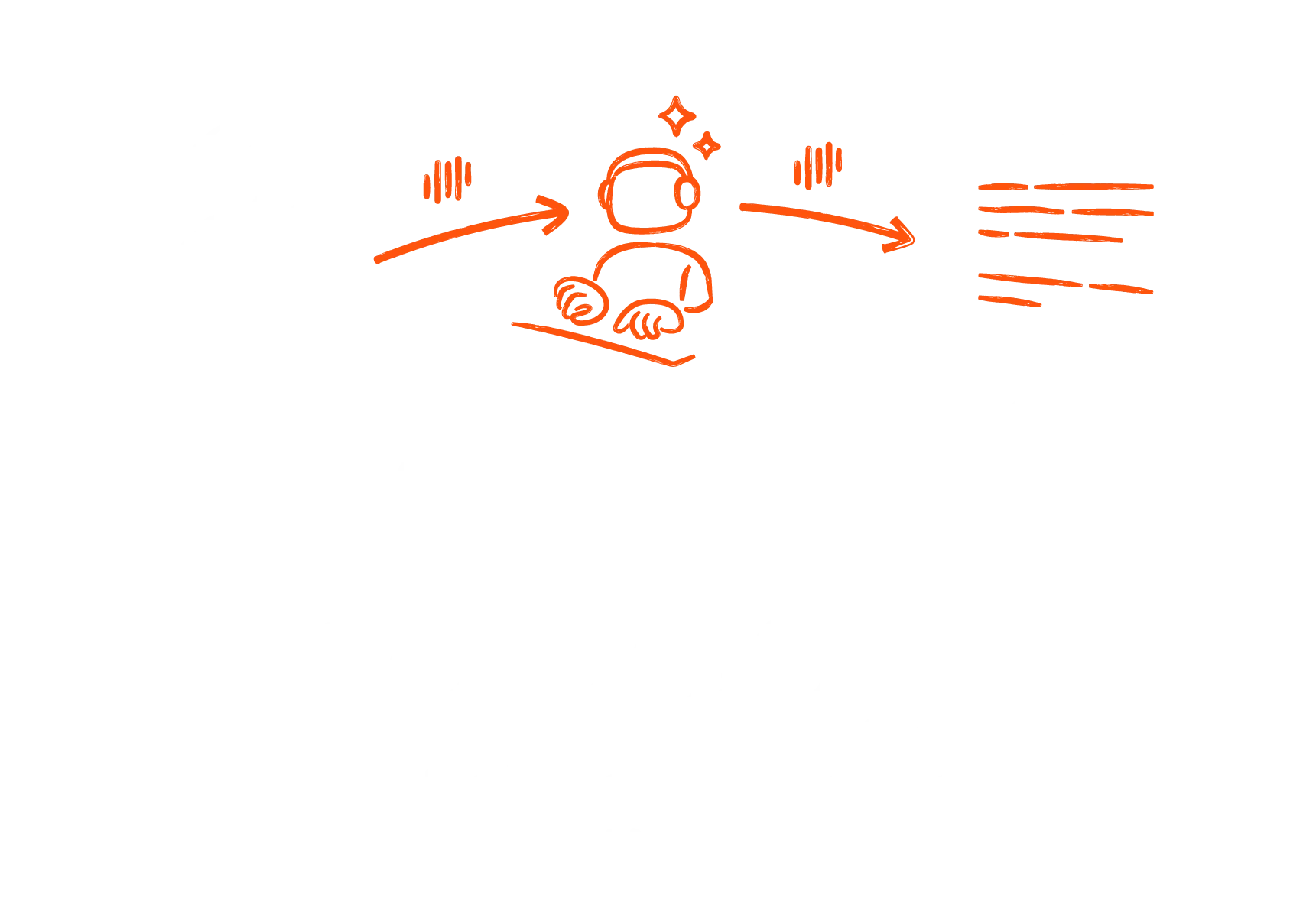
Show captions for accessibility reasons on large screens at physical events.
Embedded in live video

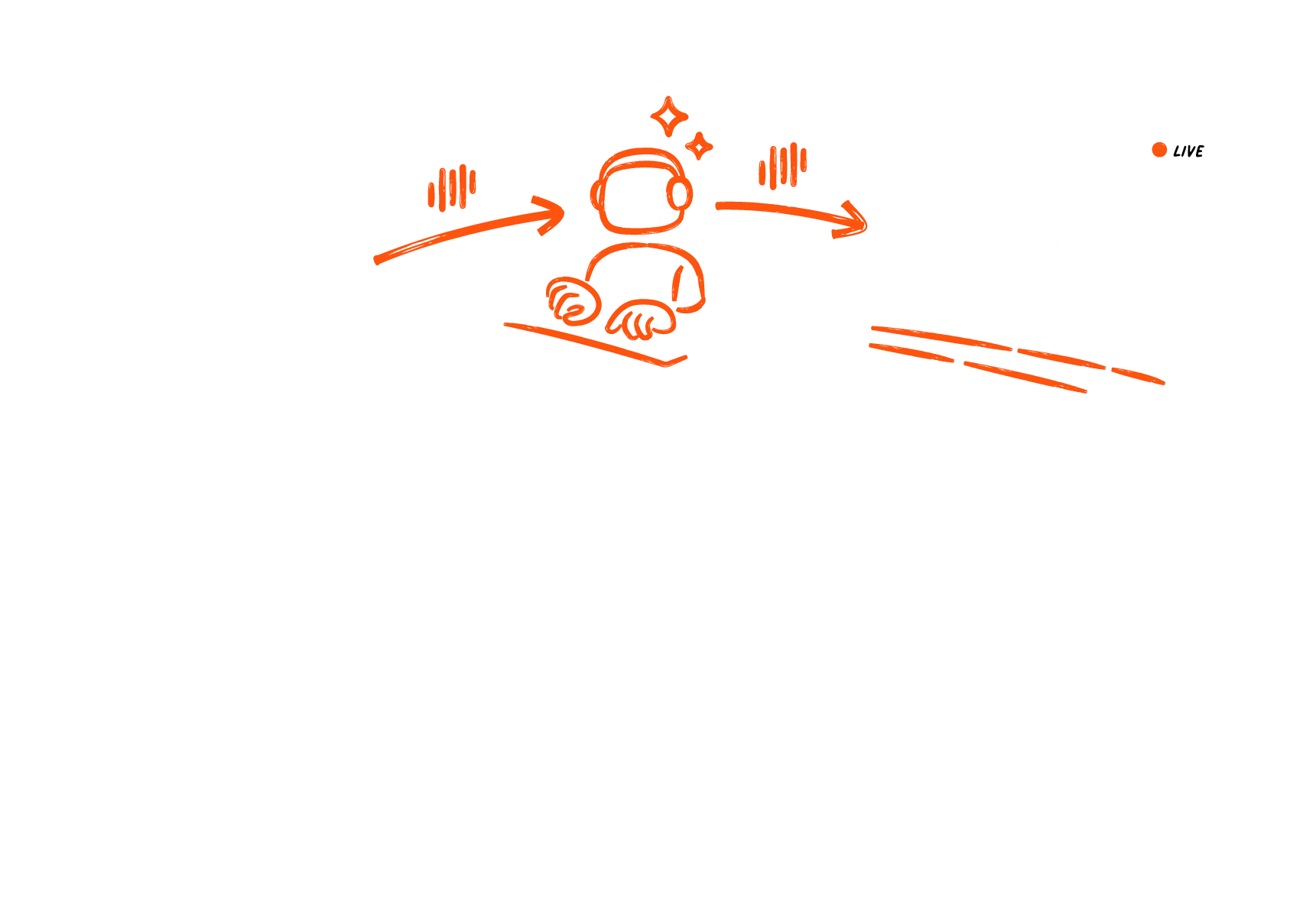
Show subtitles directly within a video screen on-site or in a video stream as lower thirds.
How to add AI subtitles to your event
Set up instantly and manage independently
with your LiveVoice account.
Subtitles for any event
Get live transcripts for the LiveVoice event you're creating with just a few clicks by adding Live Captions to each audio channel you need it for. Even add AI translation as voice or text on additional channels. Enjoy complete flexibility. Learn more about the setup.
Simple and cost effective
First, choose your LiveVoice account plan, depending on your audience size. Then, add AI live transcripts with our transparent pricing pay as you go: Activate AI Captions and pay by the minute. You'll be billed once a week for the minutes you used.
Find our pricing here.
Make your event multilingual
Freely combine live captions with our RSI and AI translation solutions. In this way you get the best of all worlds, depending on the needs of your audience. Add translated subtitles as well as voice translation. Use advanced AI to deliver translations in an extensive selection of languages with very little cost or add human interpretation. Make your event globally inclusive with minimal effort. More on AI Translation.
Download Transcripts
Extend the value of your content by downloading transcripts after your event. Add them to on-demand videos or use the transcript as basis for further content like blog articles, social media quotes and more. Share the transcripts with attendees afterwards. You can configure Live Captions in over 70 languages, so depending on your setting you can also download them afterwards in the set language.
Get the full list of supported languages here.
Add AI Voice & Text Translation
Frequently asked questions
Live Captions are also know as Original Subtitles. This means you can provide a live transcription of what is spoken in any audio channel. Translated Subtitles are translations based on another language and will be displayed on a separate channel.
AI Live Captions are not included in your Account plan but billed separately pay-as-you-go. Costs depend on the time you are using it, billed by minute. Minutes start counting as soon as you start the audio input channel and will end when you click stop again. Usually once a week you will get the invoice for all used minutes within that week.
You can add Live Captions to any LiveVoice audio channel, and create additional translation channels.
Please find a list of currently supported languages here in our Help Center.
