Operator View
Allow another person like an AV technician to manage an event without giving them full admin rights.
Available in: SMART, PRO
By enabling the operator view, you get an URL that you can share with an operator, for example an AV technician. The operator has similar options like the admin but cannot change settings or create channels.
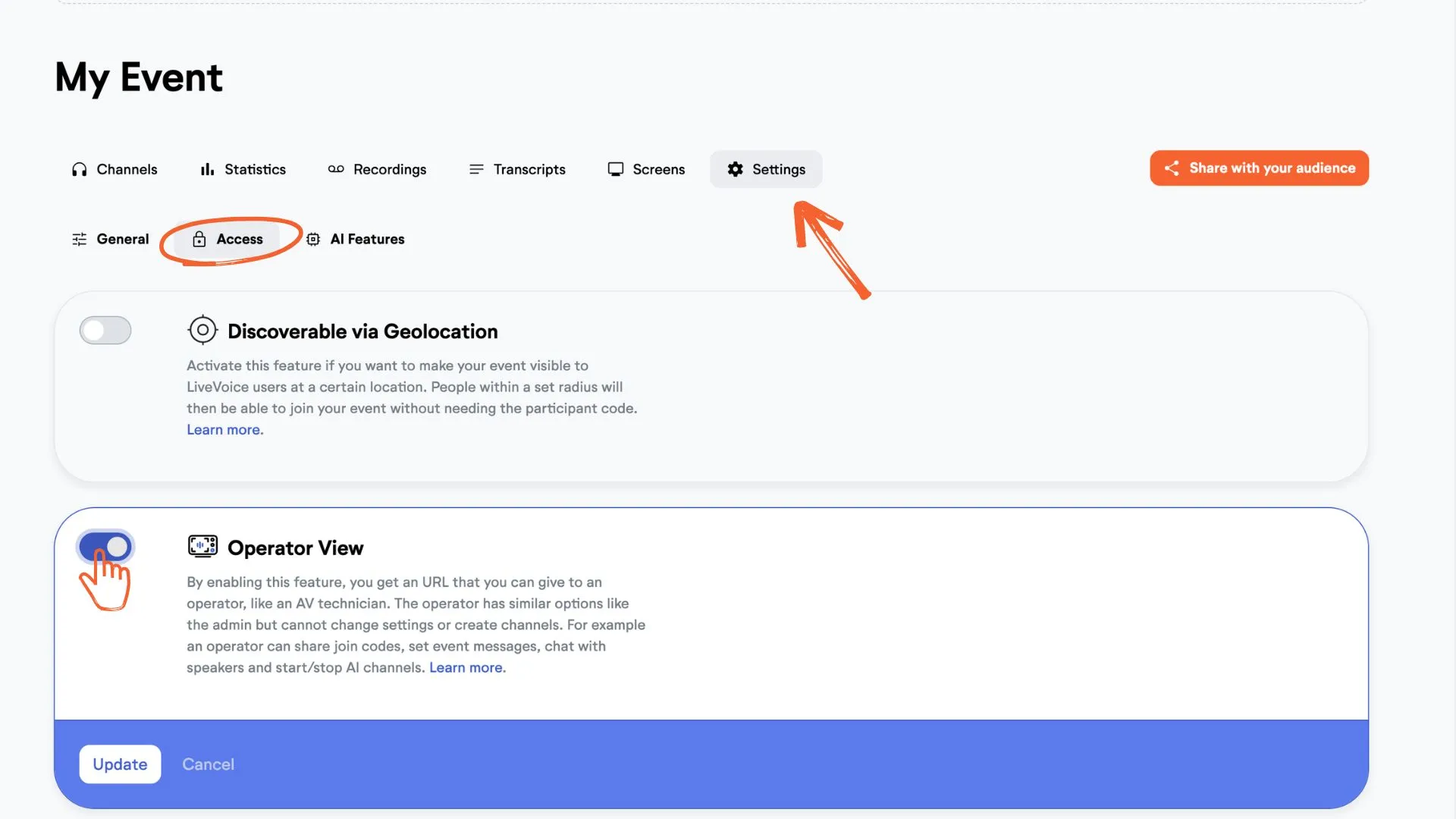
Step 1: Go to "Settings", under the "Access" tab enable the "Operator view".
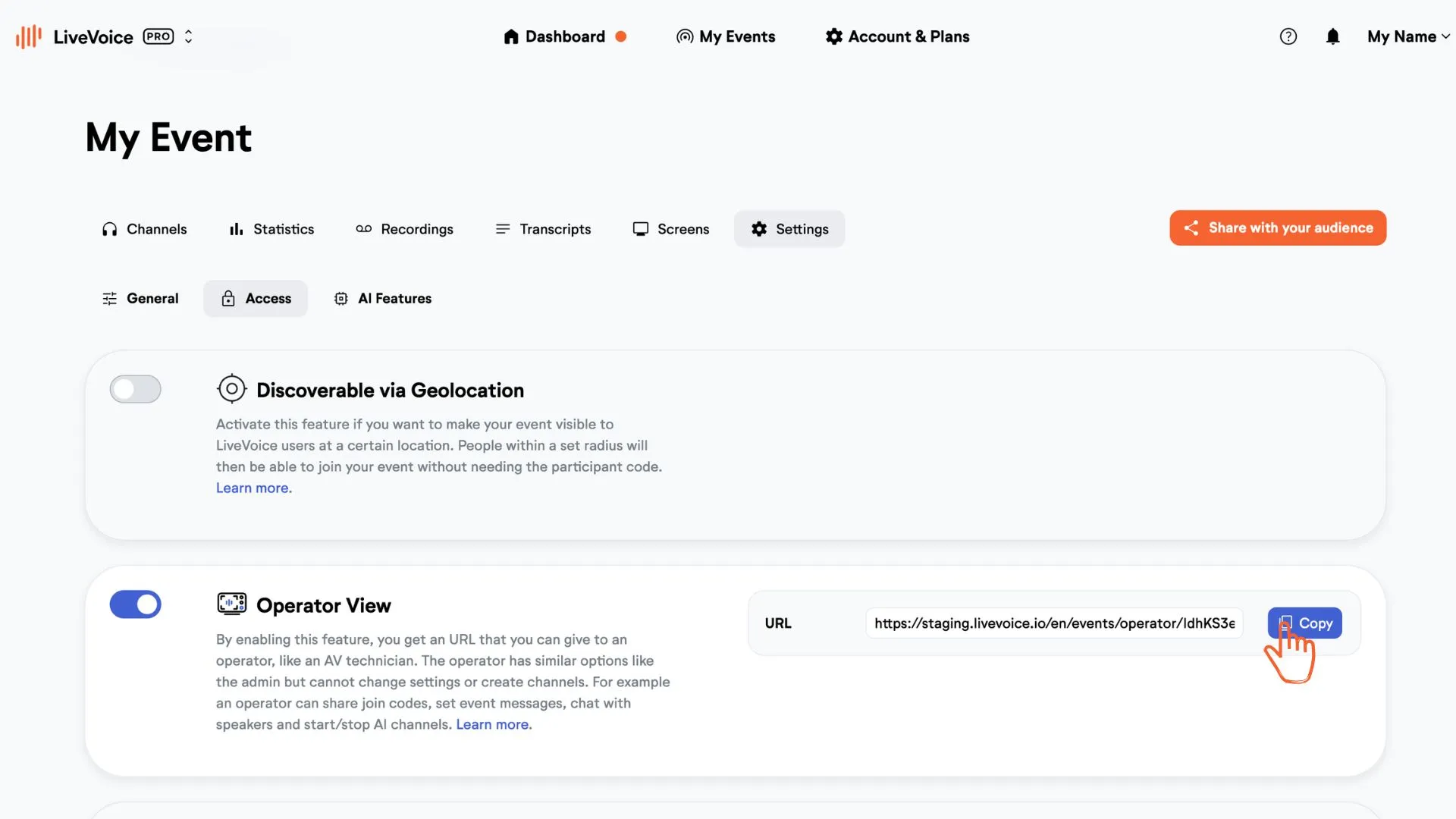
Step 2: Copy the access link and open it in a new window.
Step 3: This is the operator's view.
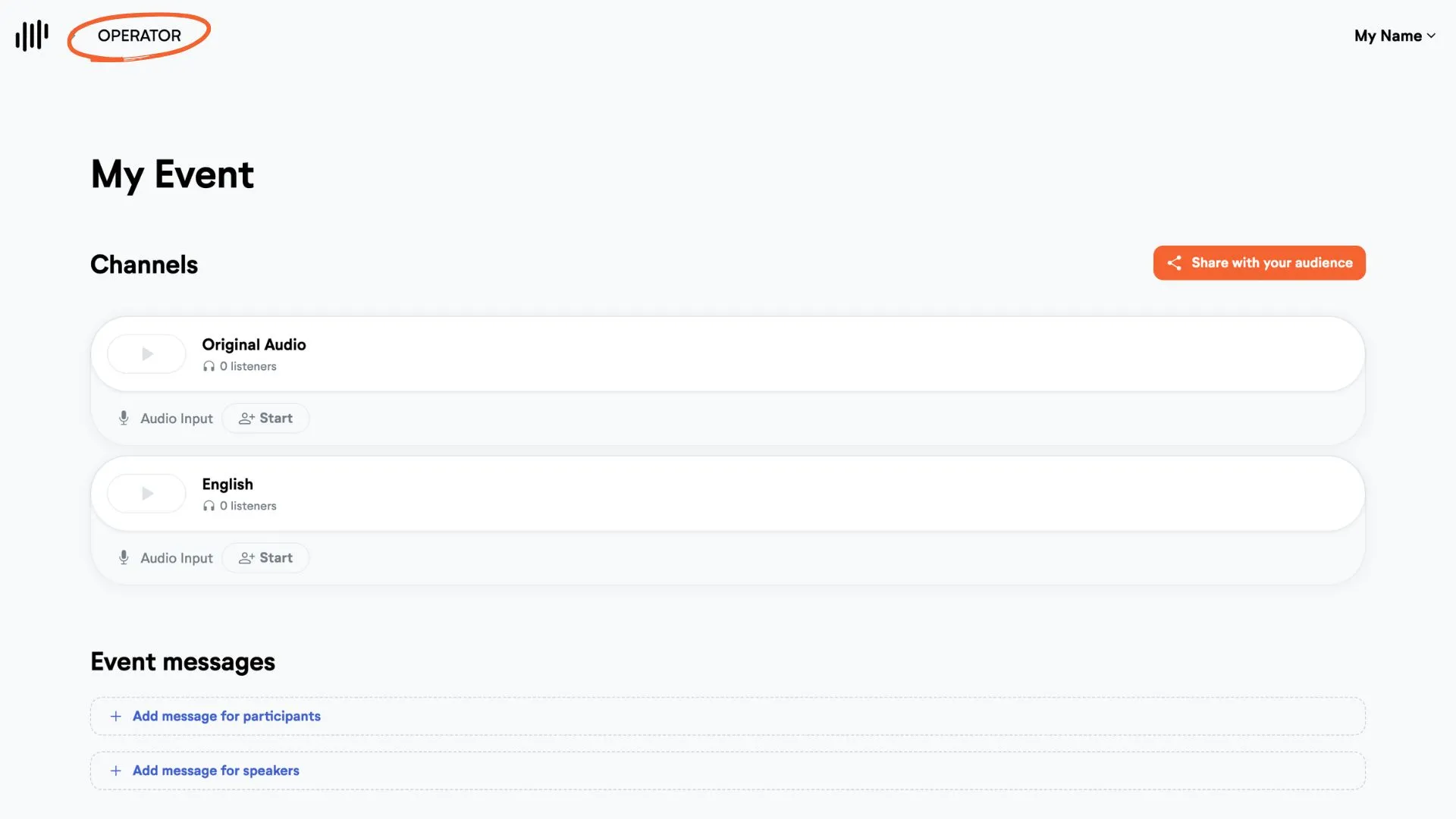
This is what you can do in operator view:
- Start/Stop AI Voice Translation
- Start/Stop Imports
- Share Join Codes
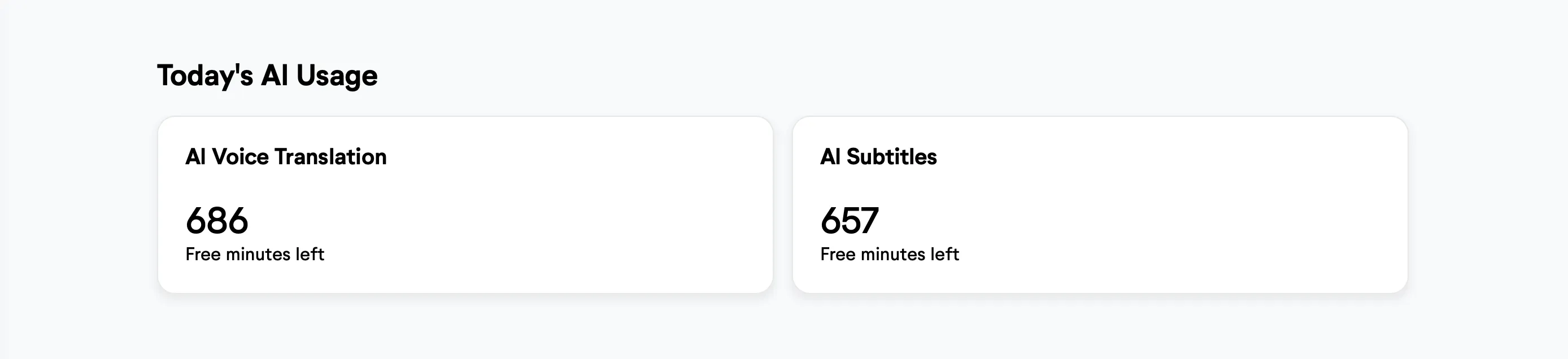
- See used AI minutes of the event for this day
- Post/edit speaker & participant messages
- Chat with admin and speakers
- Sort channels
- Edit AI-Limits
- Clear AI Subtitles
Operators cannot edit channels or change settings.