Fix AI Translation quality issues
Most quality issues come down to 2 things: audio input or a settings change that didn't get applied yet. These checks resolve most AI Translation quality issues and take less than 5 minutes.
Step 1: Check the speaker audio
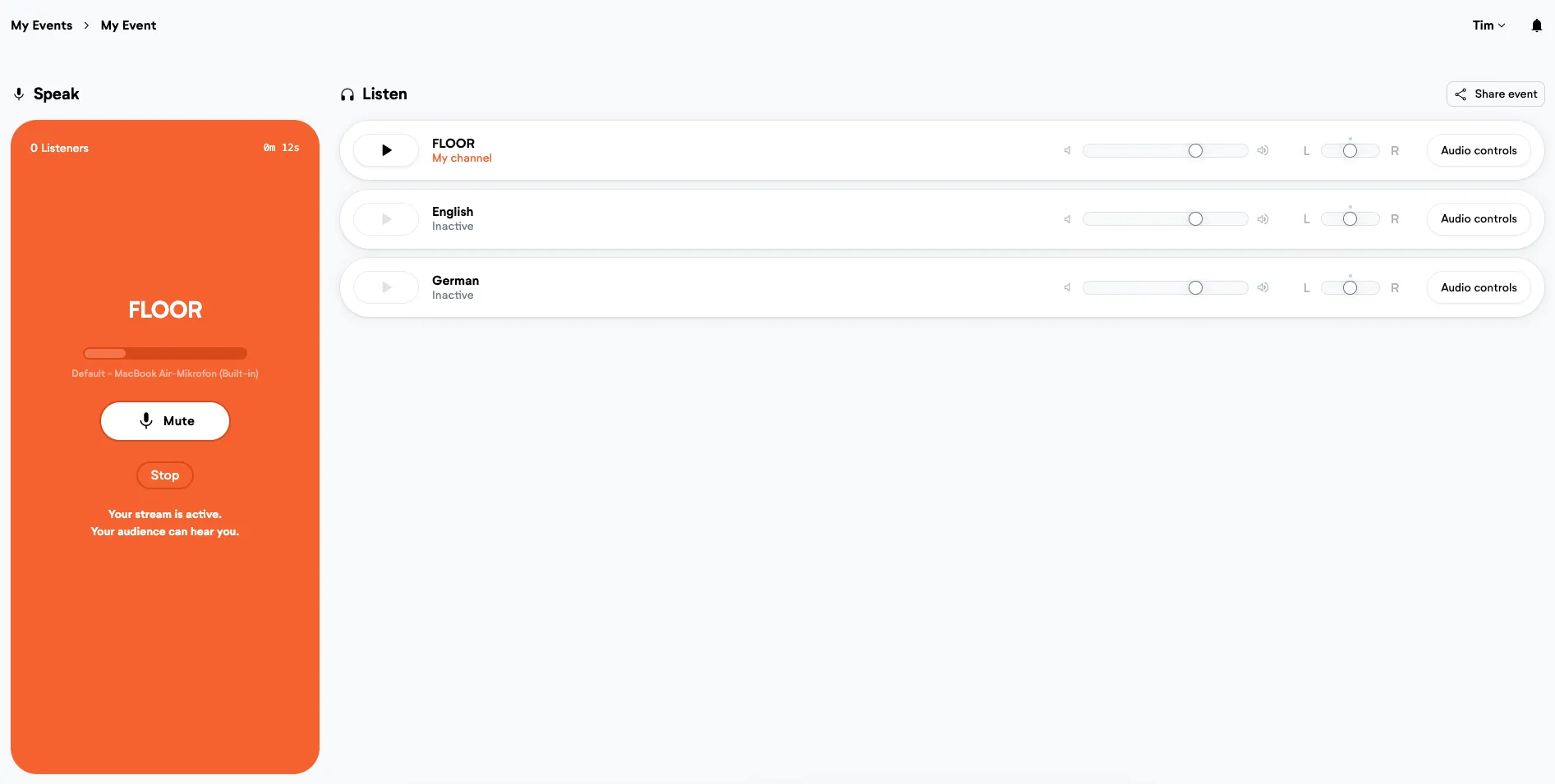
Open the speaker audio stream and listen. Most translation quality issues start here as the AI can only work with what it hears.
Listen for background noise, distorted audio, or a very strong speaker accent. Any of those will reduce transcription accuracy, which then affects the translation output.
Step 2: Reduce the number of detected source languages
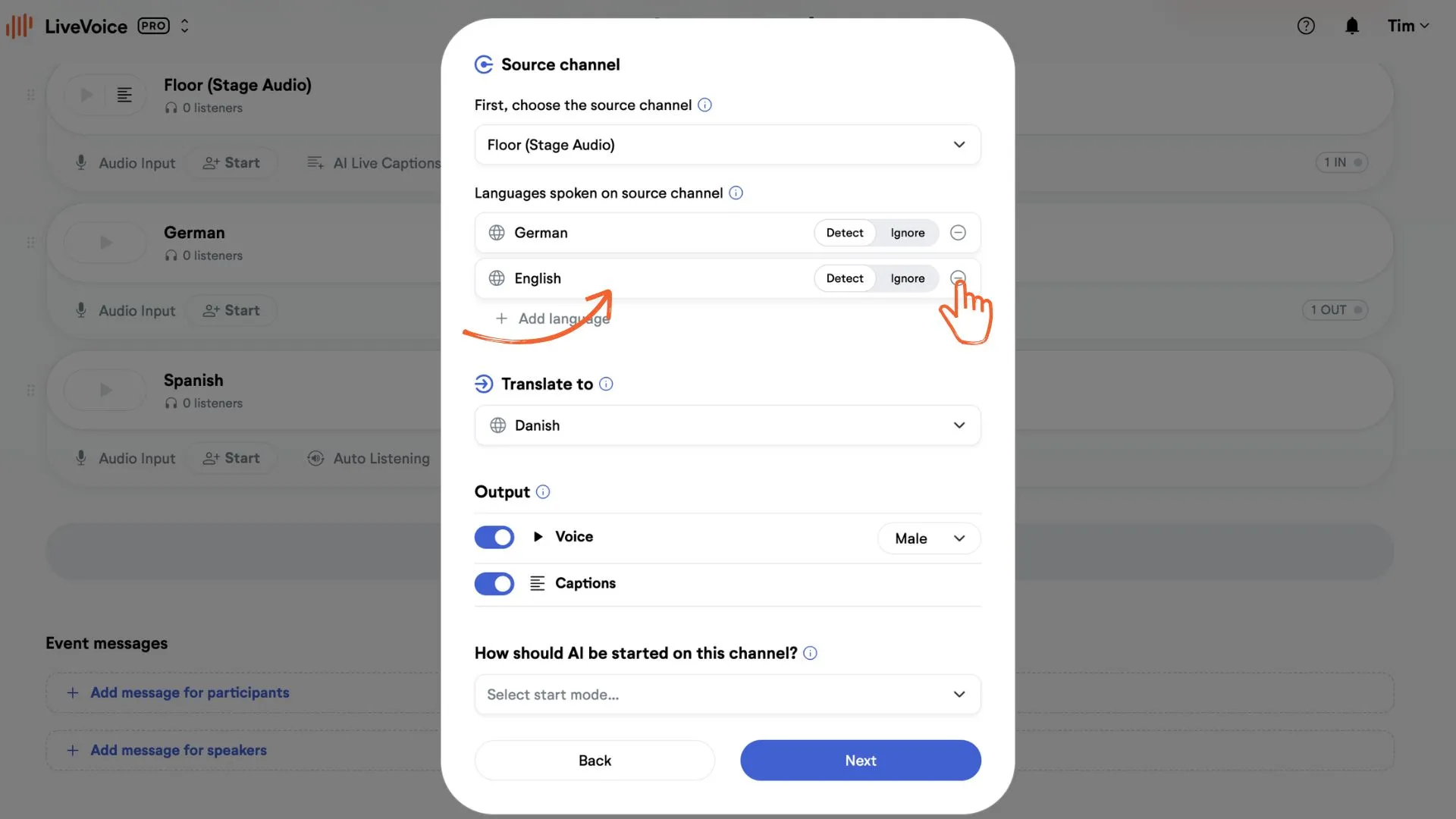
Go to your channel's language settings. If you've selected more than 1 source language for detection, reduce it to just the language the speaker is using.
The more languages the AI has to detect between, the harder it is to get clean results.
Step 3: Restart the channel after changing settings
Language setting changes don't apply until you restart the channel. Go to your event dashboard and restart the affected channel after any settings change.
Still seeing issues? Fill in this form and our customer success team will take a look.