Statistics
Available in: LIGHT, SMART, PRO
With statistics you can track the usage of each event and channel, and analyze which devices are used.
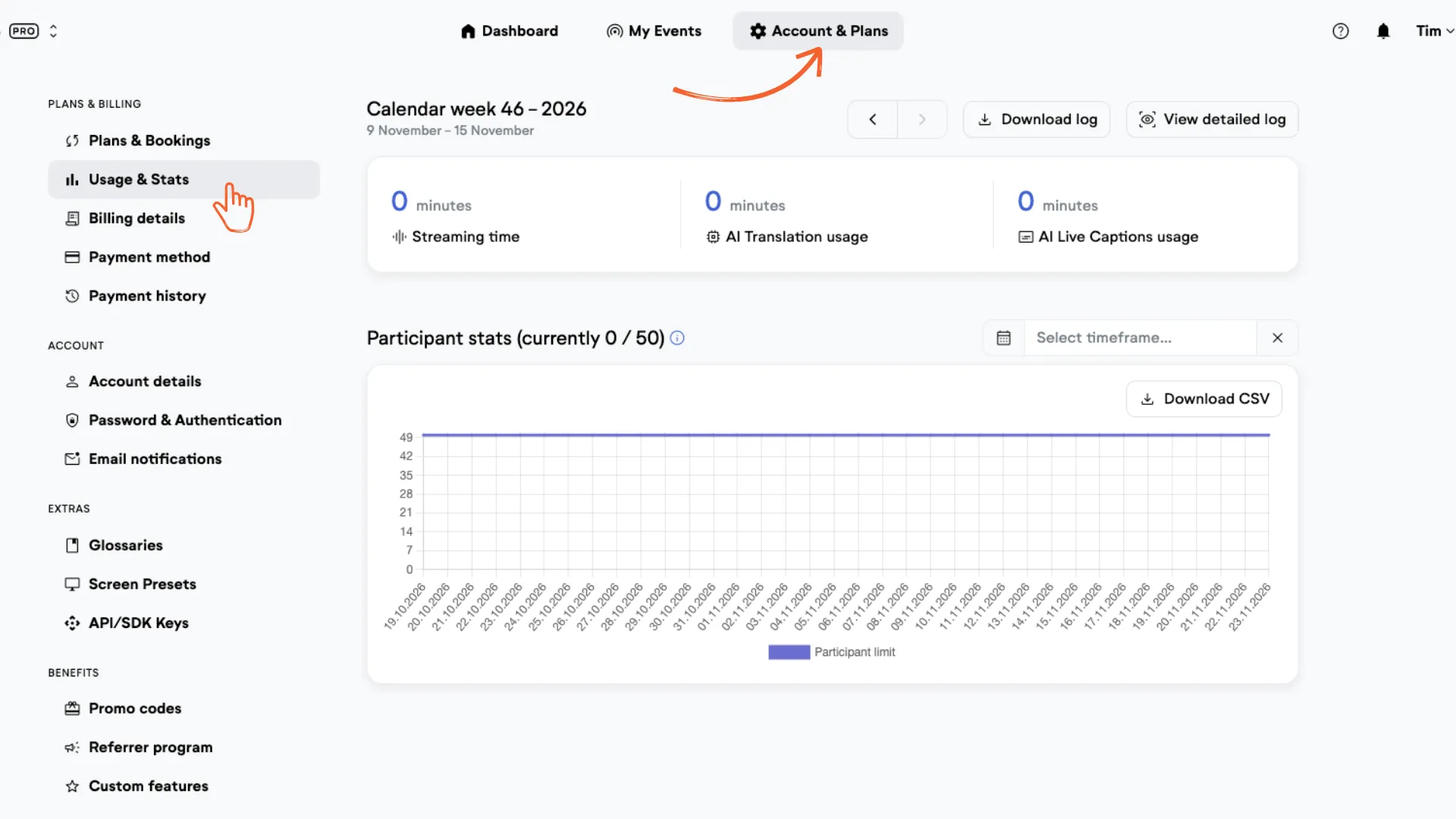
As an admin, you’ll find the statistics chart for your whole account under "Usage & Stats" in "Account & Plans".
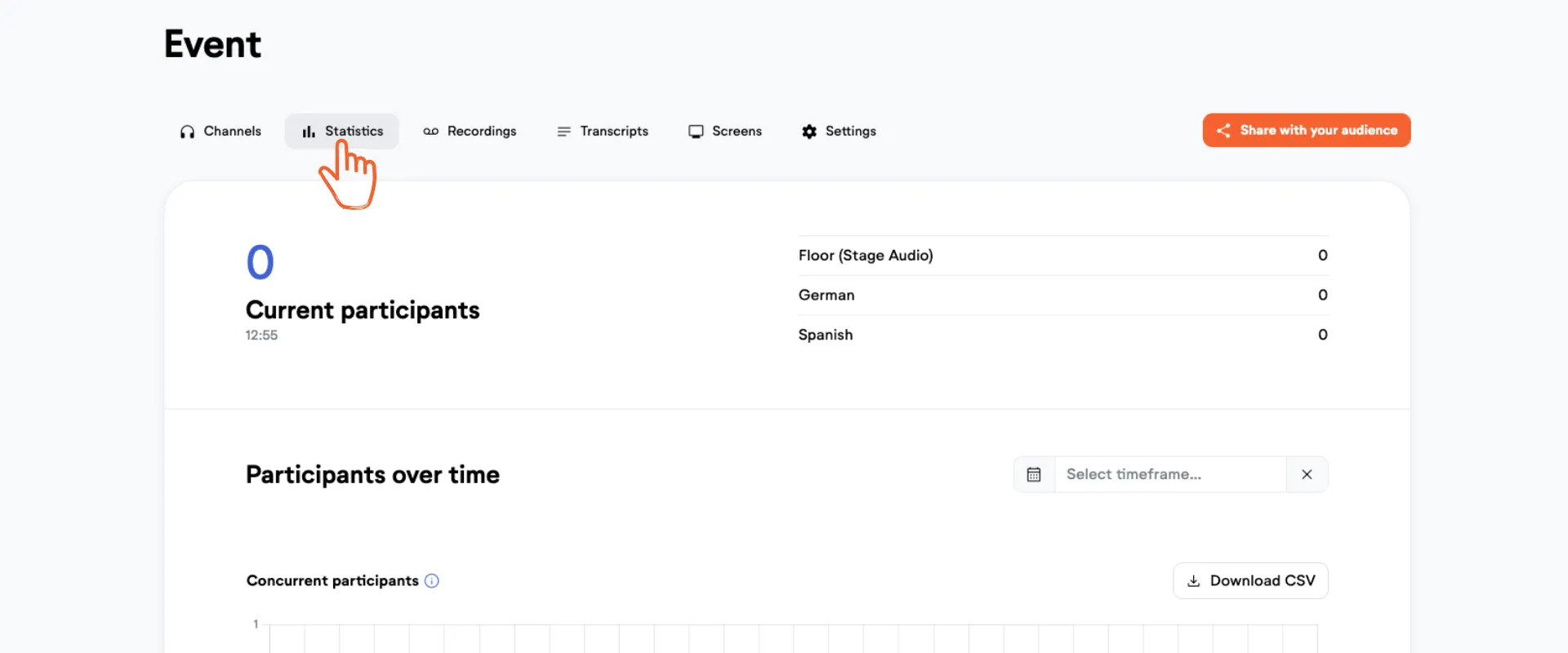
For greater per event details, you'll find the stats under the "Statistics" tab in your event.
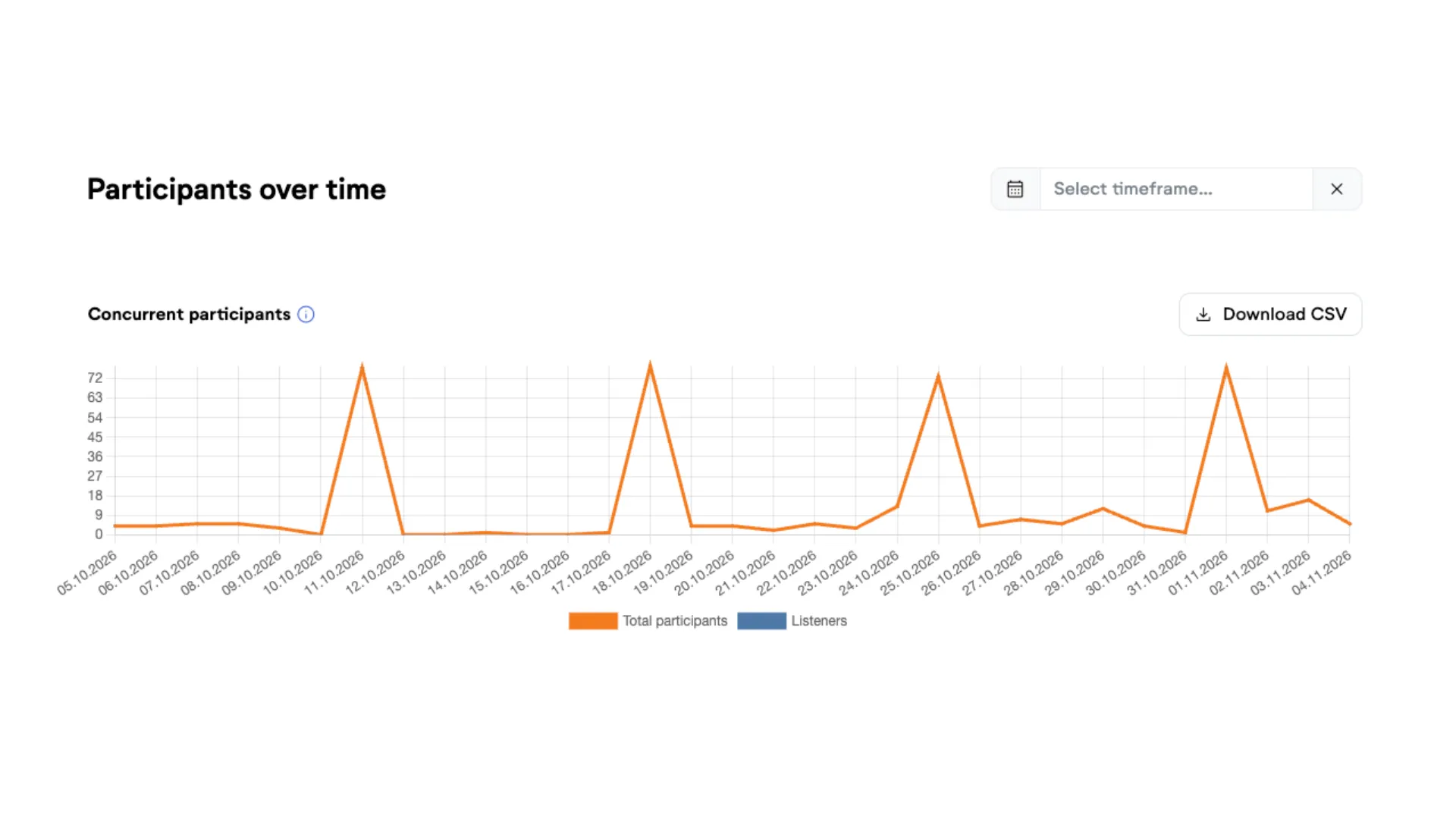
Concurrent participants
Here you can see how many people followed your event at the same time, and when. The chart shows viewers, listeners, and readers separately.
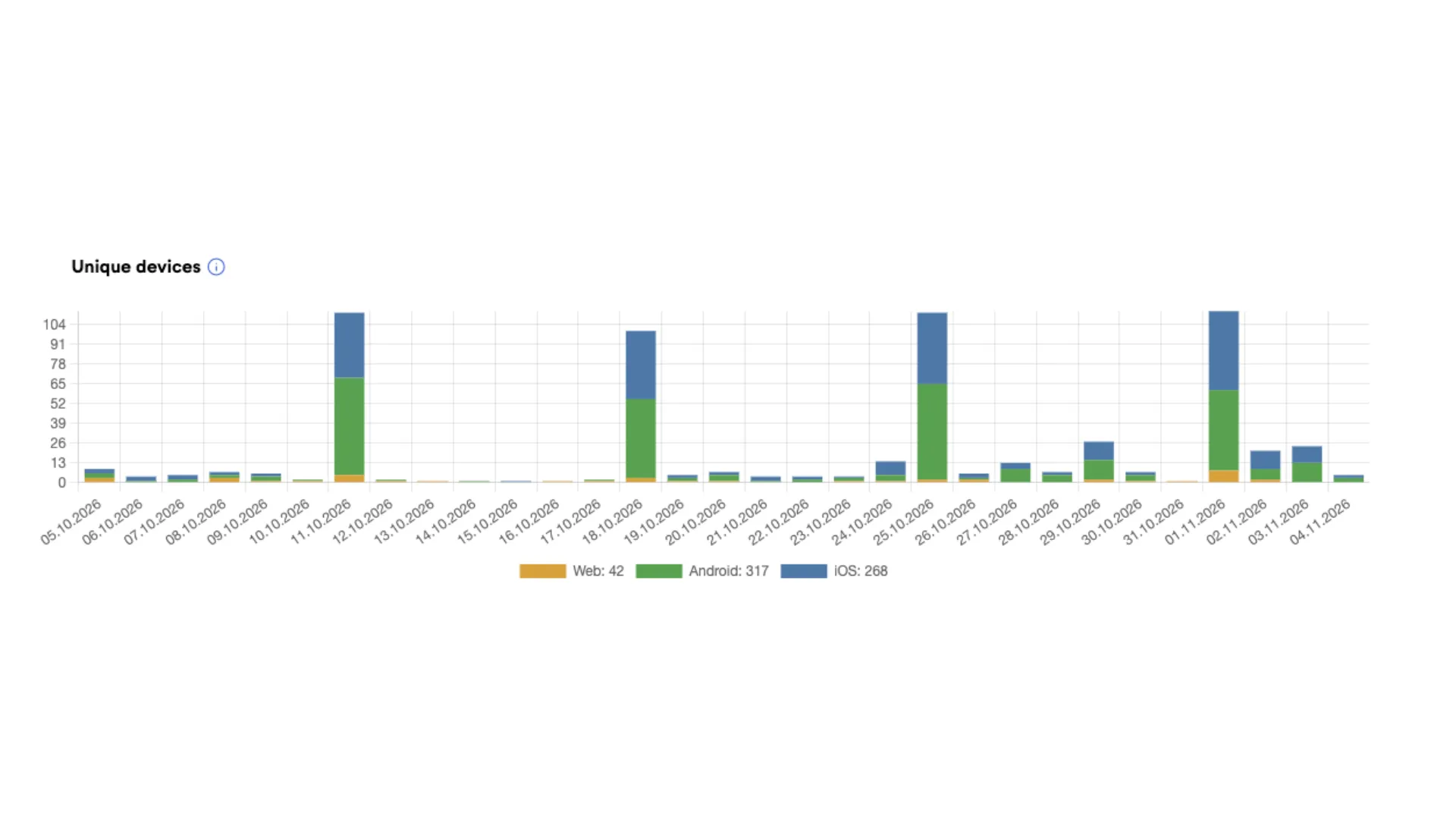
Unique devices
Here you can see how many devices have been used to listen to LiveVoice. This allows you to understand how many people have actually used LiveVoice during your event. You get the total number of users as well as the breakdown into iPhone app users, Android app users and web browser users (mobile and computer).
Channels
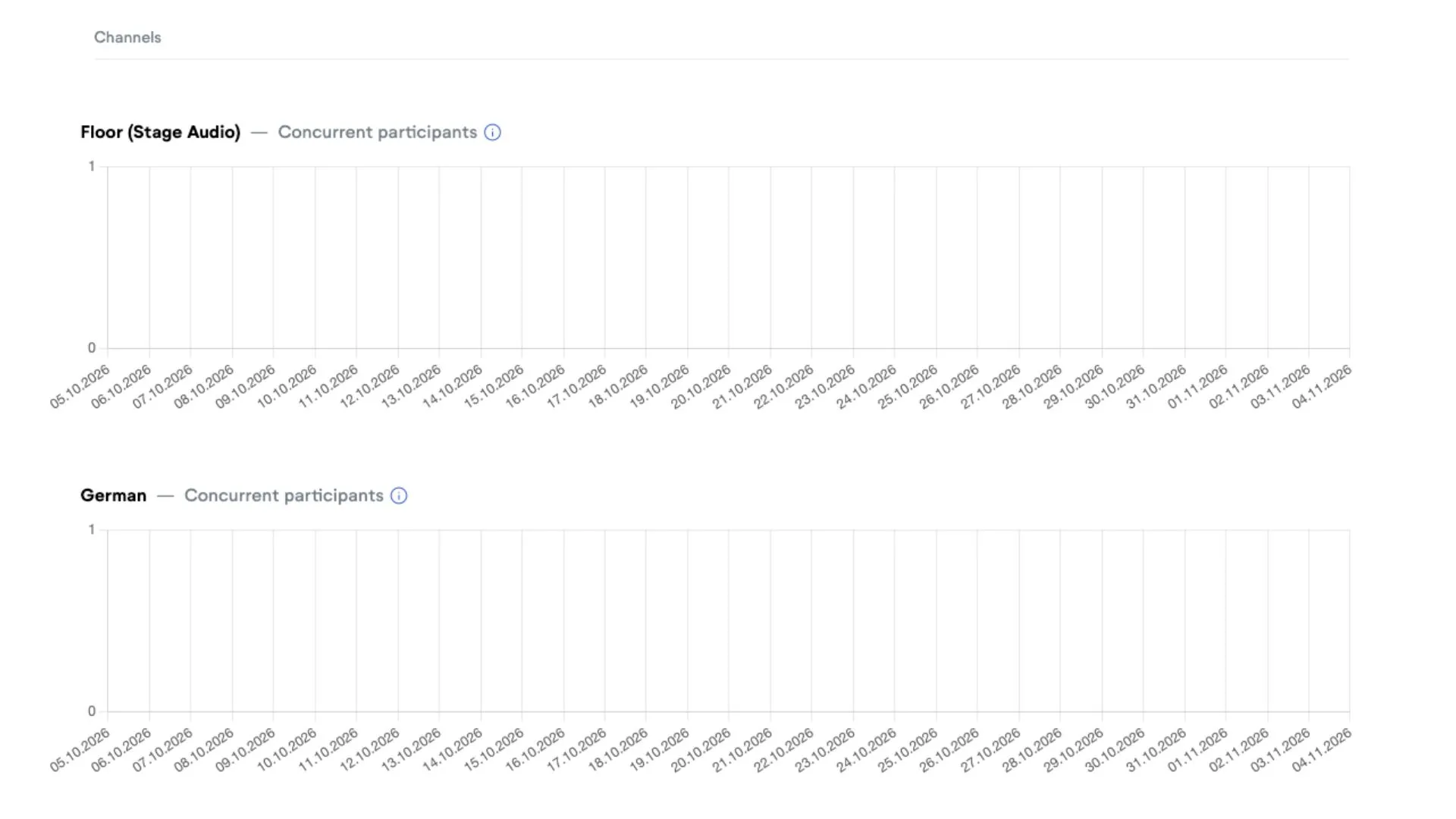
Here you can see all concurrent participants from your event split into the channels they listened to.