Export audio and video
Stream your LiveVoice audio or video to other platforms or systems.
PLUS feature
With Audio Export and Video Export you can stream any audio or video channel to an external location. To use this PLUS feature, please get in contact with us.
Setup
- 1.To export a channel, start by selecting the channel you want to export from.
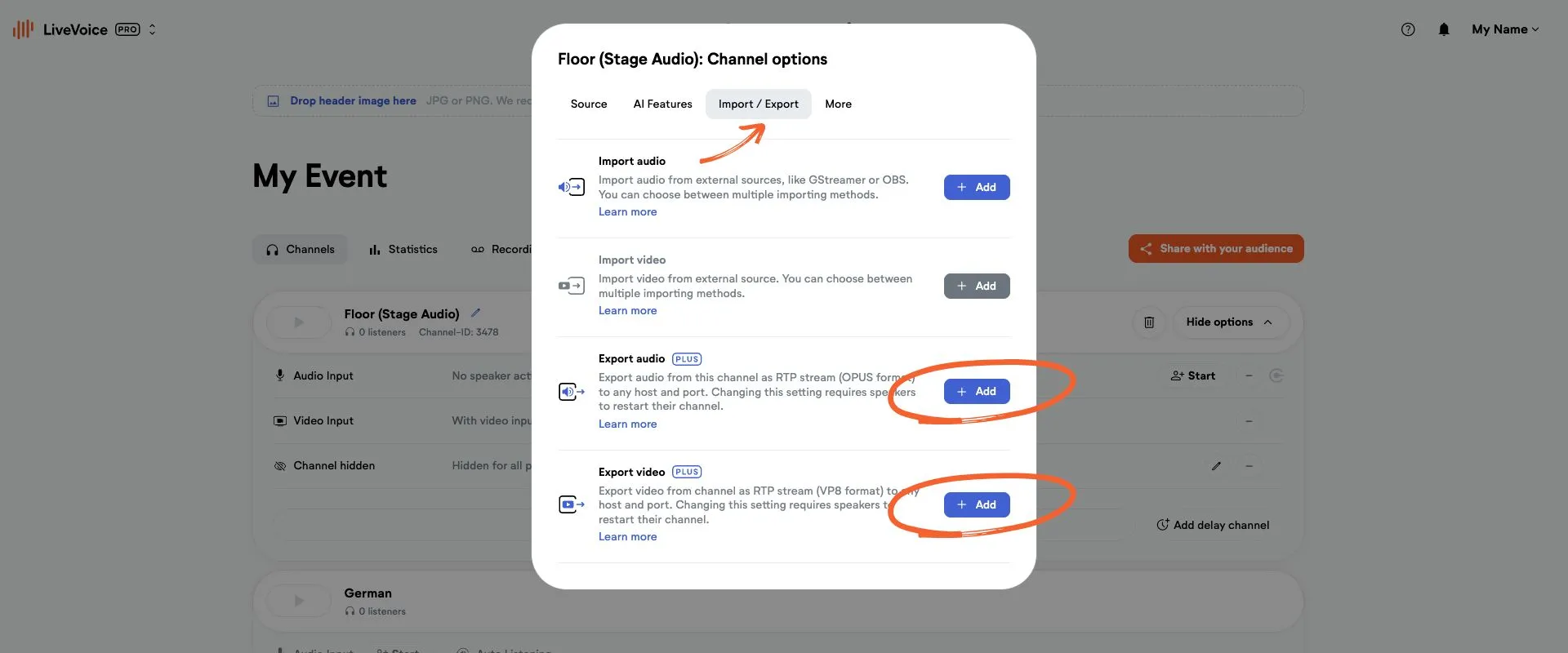
- 2.Open the channel options and choose "+ Add feature".
- 3.Then go to the Import/Export tab and add your export option.
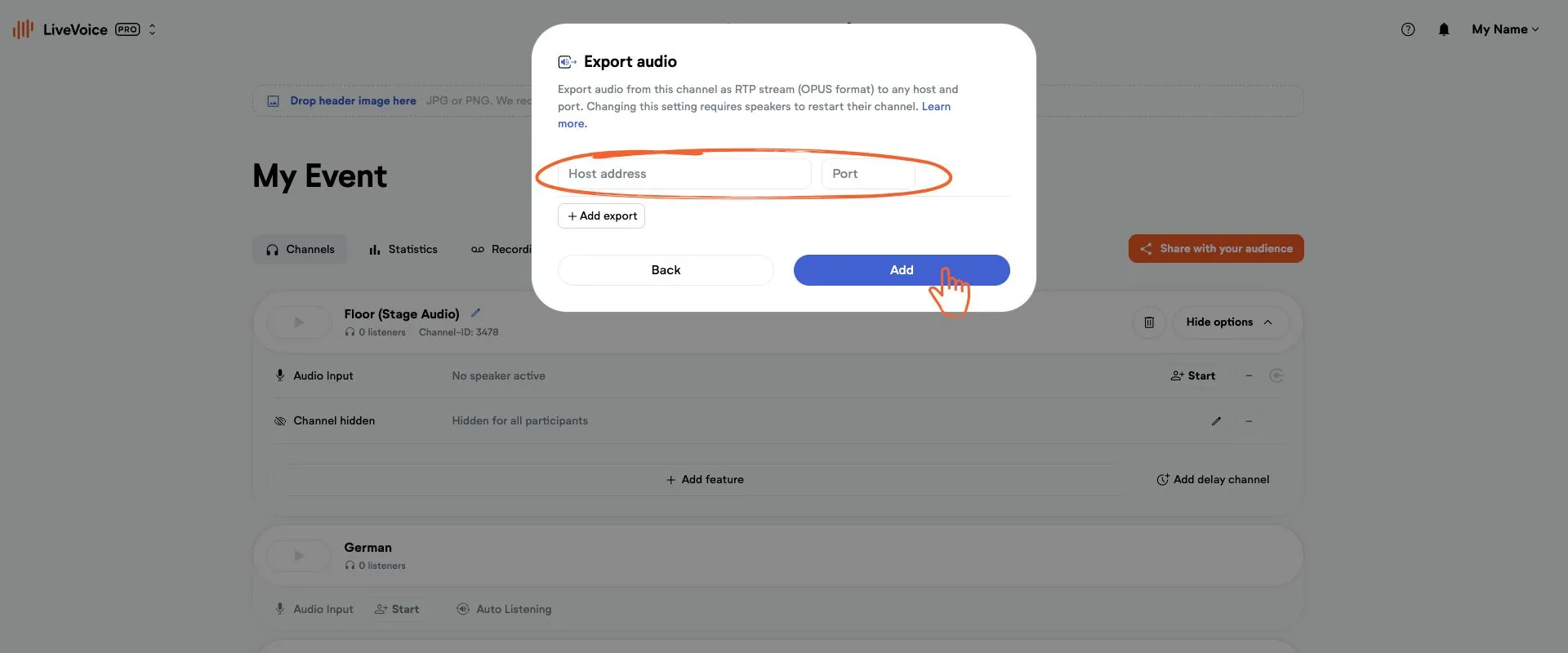
Audio export:
Enter URL and port to the location you want to export to. The format your receiving location needs to understand is RTP (OPUS).
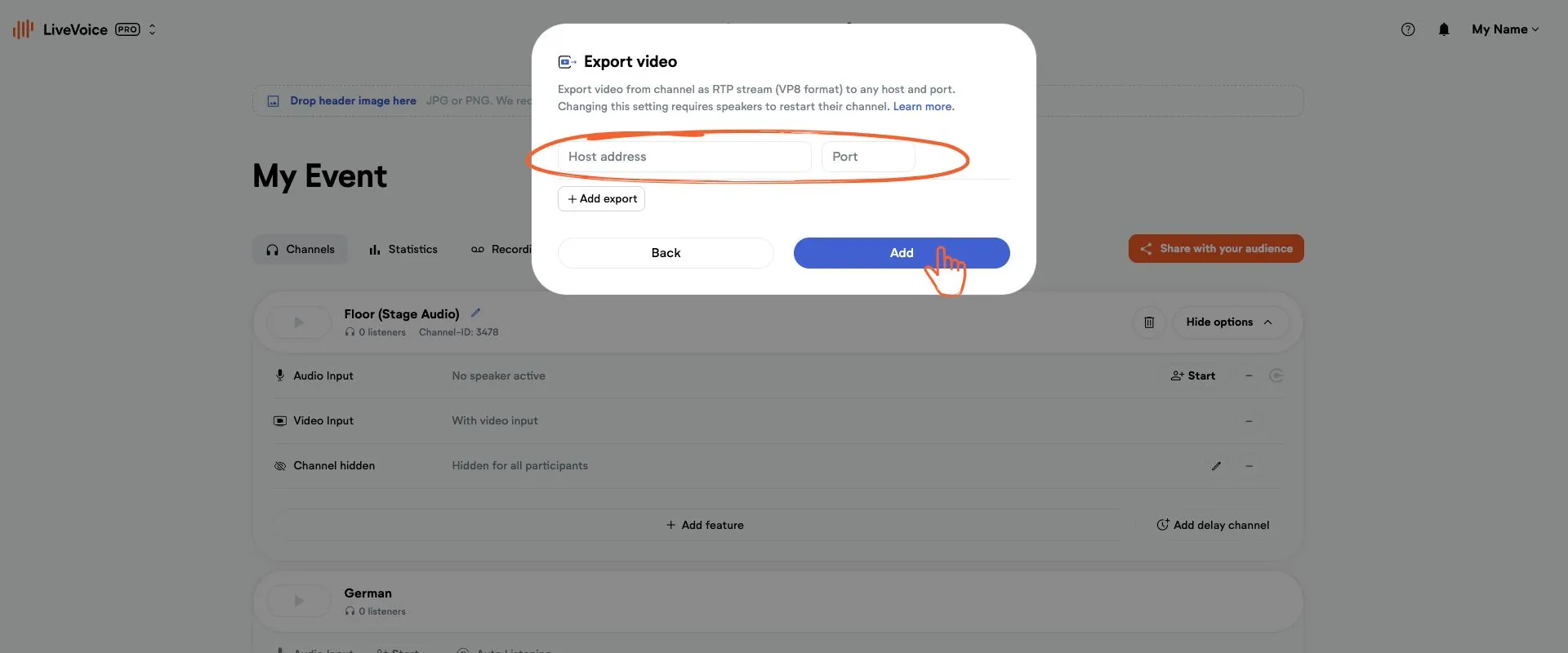
Video export:
Enter URL and port to the location you want to export to. The format your receiving location needs to understand is RTP (VP8).