LiveVoice API (BETA)
Available as: PLUS
Our Server-API is currently in BETA and will be extended frequently. While in BETA, functionality and fields might change. If that happens, we will notify you. We intend to release the final version end of 2026.
API Access and Key Management
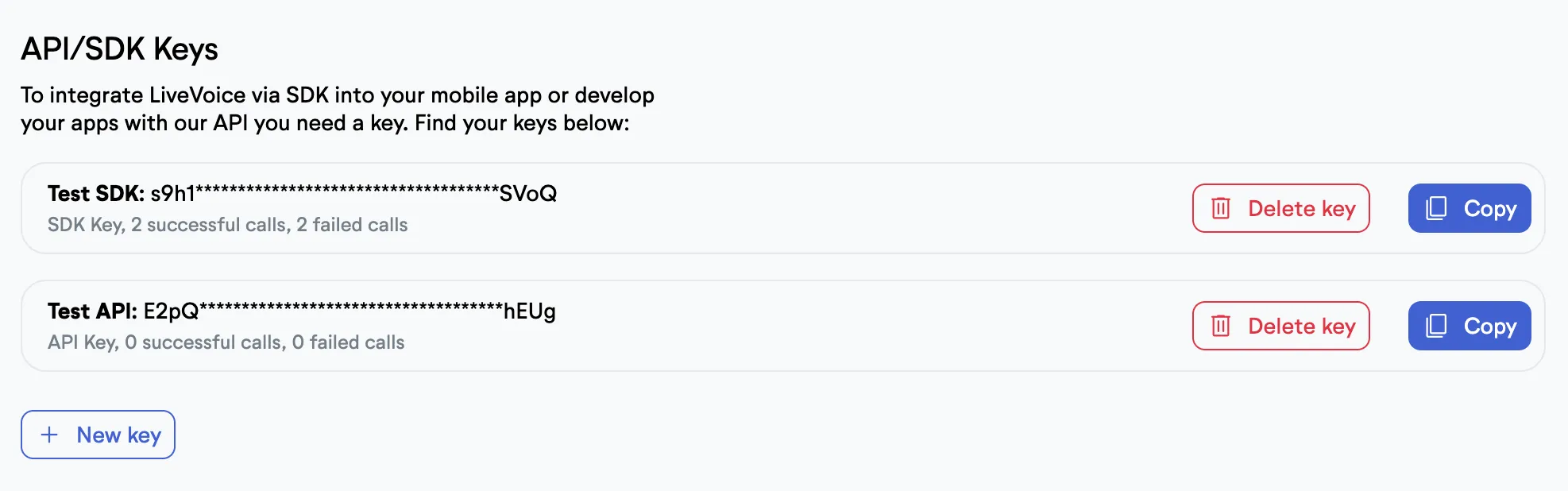
If you want to enable the Server-API for your account, please ask our support team to enable it for your account. You can then freely create or delete API keys in your account.
API Authentication
For every request, make sure you are sending your API key either in a simple header "api-key" or in a header "Authorization: Bearer {api-key}". If you provided the wrong API key or the wrong header, the API will return an "invalid_api_key" error. If your account has disabled API use, the API will return a "disabled_api" error. All requests with parameters expect a JSON body with Content Type: application/json.
Rate limits
The API usage is currently limited to a maximum of 60 requests per user per minute and a second limit of 300 requests per hour (returning a 429 plain text error if exceeded).
Capabilities
We are currently extending our API capabilities. We currently support a complete CRUD for events, channels, glossaries, screens, recordings, transcripts and basic account information. Furthermore, we support starting and stopping AI and imports for channels. We also provide an endpoint to register webhooks for certain real-time-events.
All technical capabilities are documented and kept up-to-date in detail in our openapi.yml
Using the API with agents
If you want to provide a LiveVoice API key to your agent, we don't recommend posting the key to the agent. Instead we highly recommend using our custom SKILL.md. This way, you can keep your API key in your key chain. Furthermore, the skill contains some information on how to use our API (faster responses) and certain rules for your agent, e.g. that it should ask for permission before deleting something.
Debugging
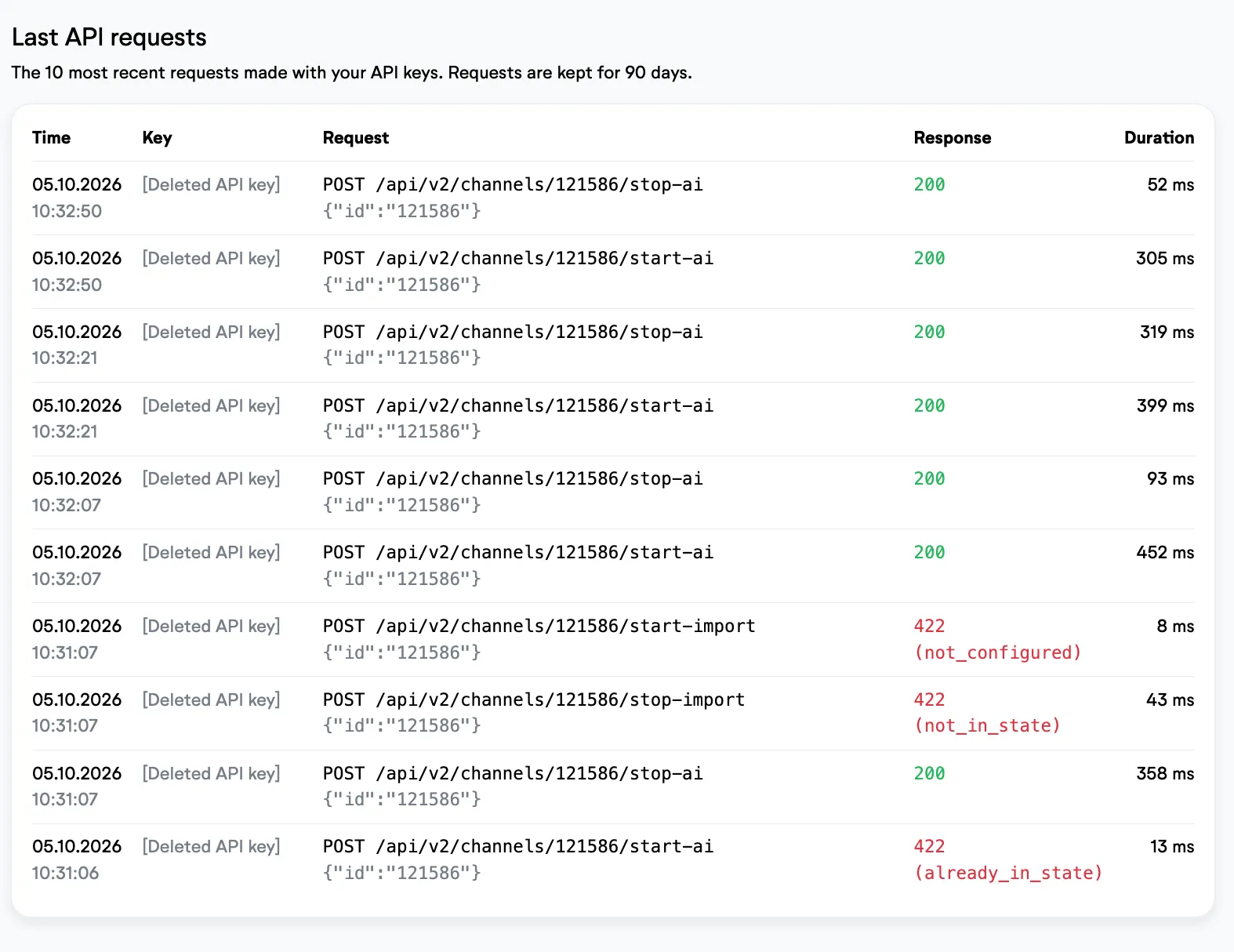
You can see your last 10 requests on your API-Keys account page, including all response codes. This helps you to debug your application when building with our API.