See this article in other guides
arrow_backwards
Your full guide for Remote Interpretation (RSI)Join as participant
Learn here how to join if you are a listener or want to read subtitles on your device.
You can join a LiveVoice event either via mobile device or computer.
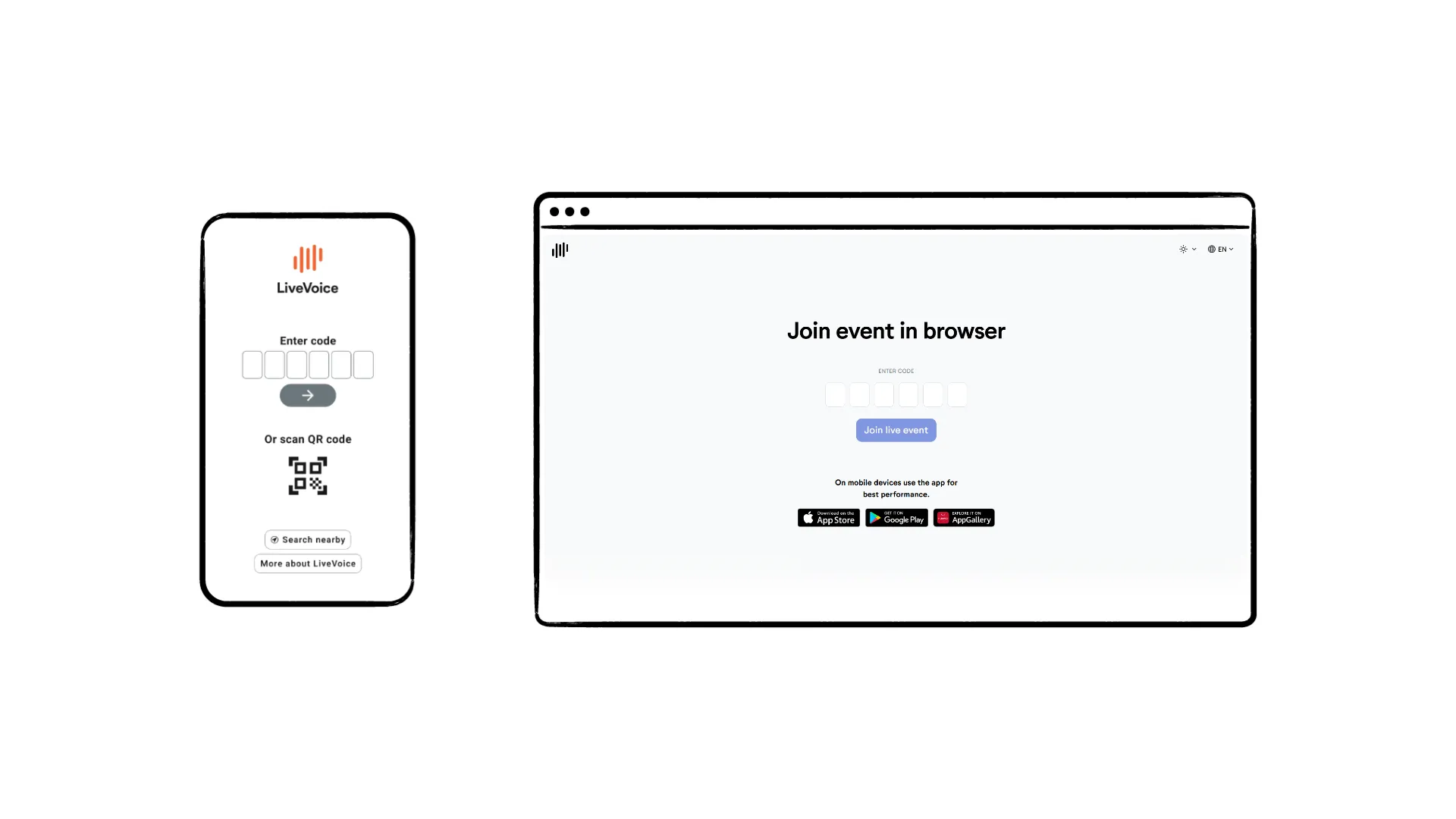
The event organizer will provide a smart link, QR code or 6-digit code to enter.
When you open the link or scan the QR code with a mobile device, you will automatically join the event if you have the app already installed.
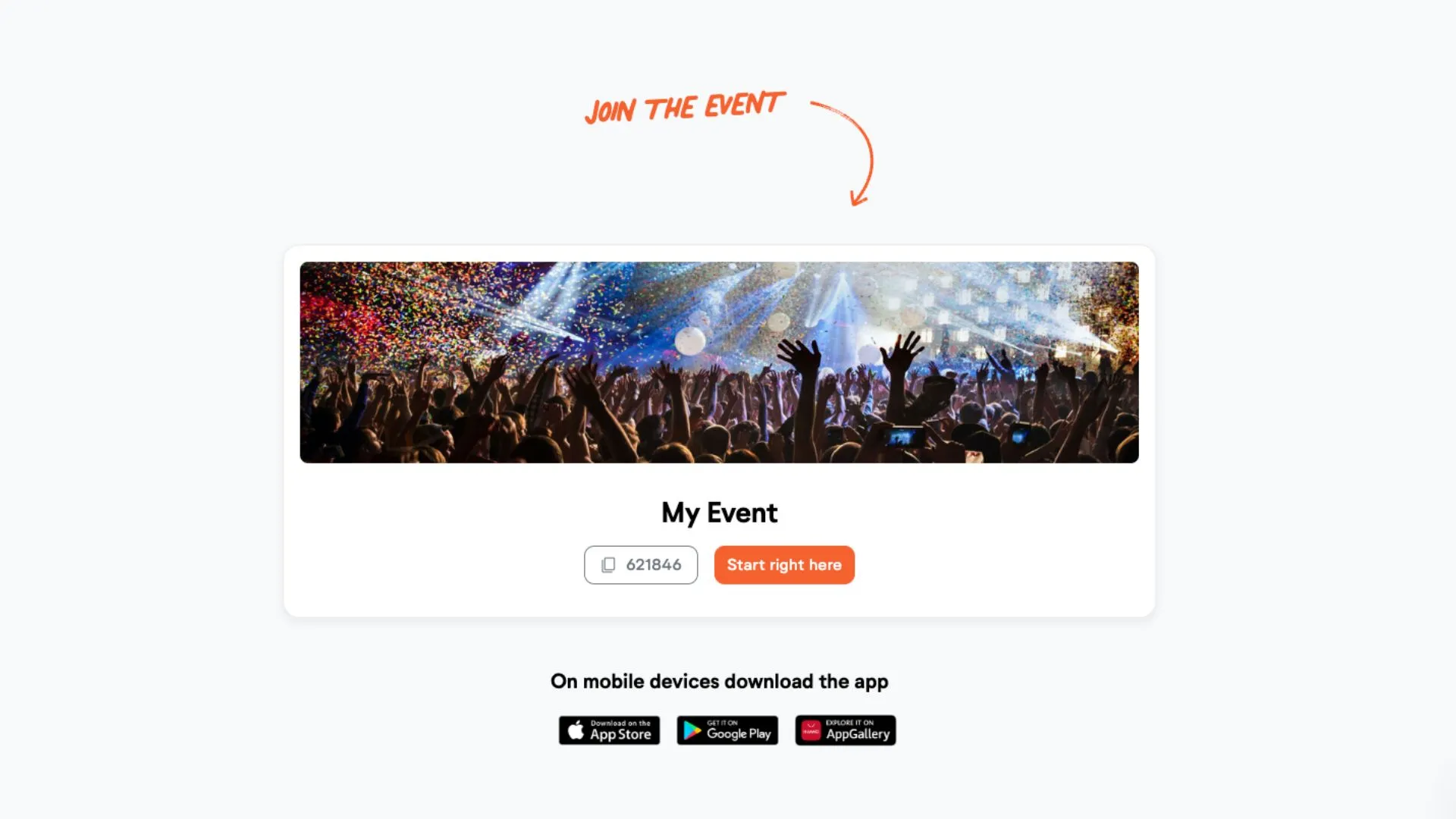
If you have not installed the app yet or use a computer browser, you will be directed to a welcome page that explains how to join.
Important: When using LiveVoice in a mobile browser, audio playback may stop if you lock your phone or switch to another app. This behavior depends on the browser and operating system. For uninterrupted audio, we recommend using the LiveVoice app.