Branding: Customize your event
Adding header image and logo to your event.
With LiveVoice SMART and PRO you can add a header image and your logo to events, which will be displayed to the listeners in the app.
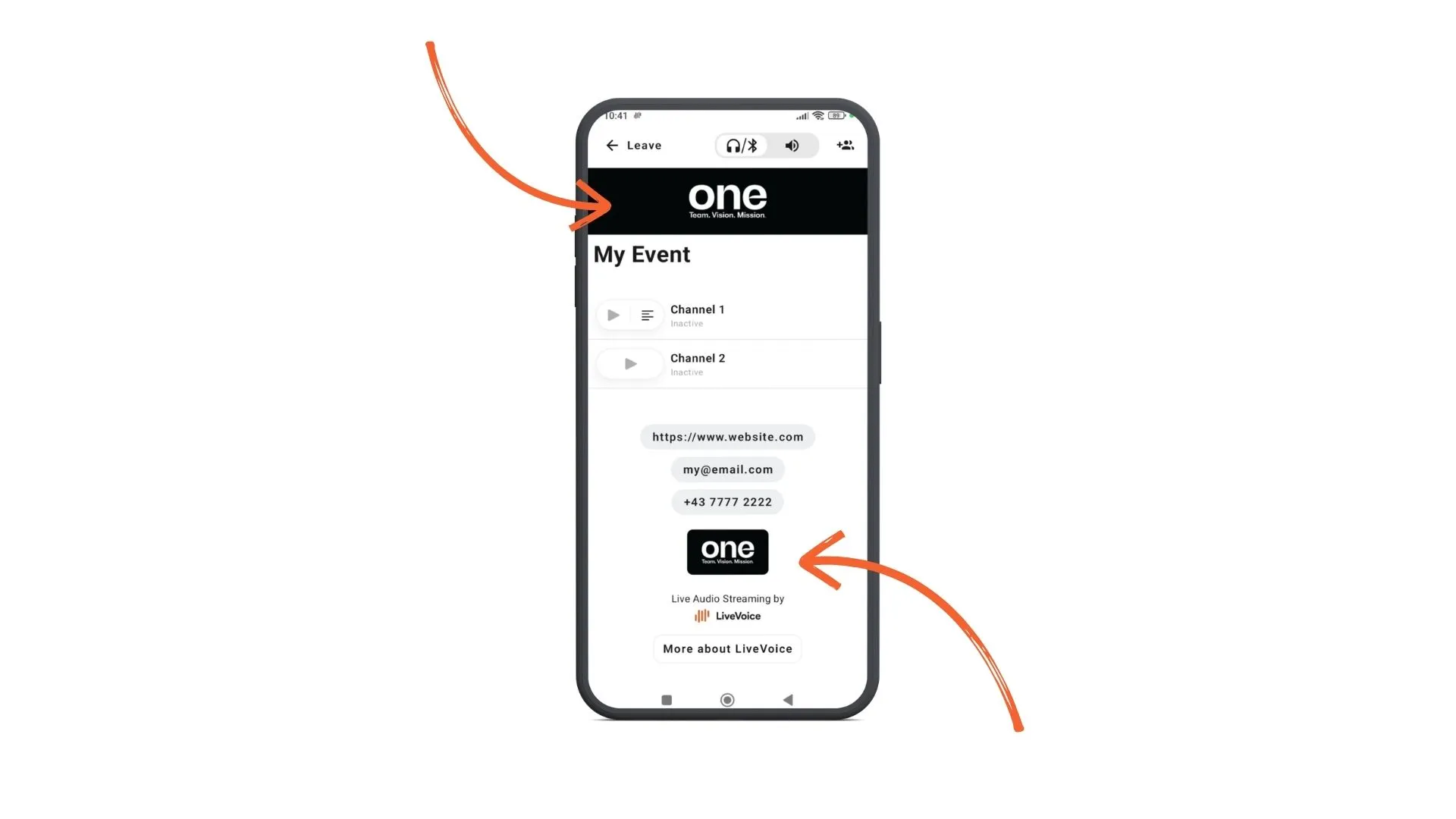
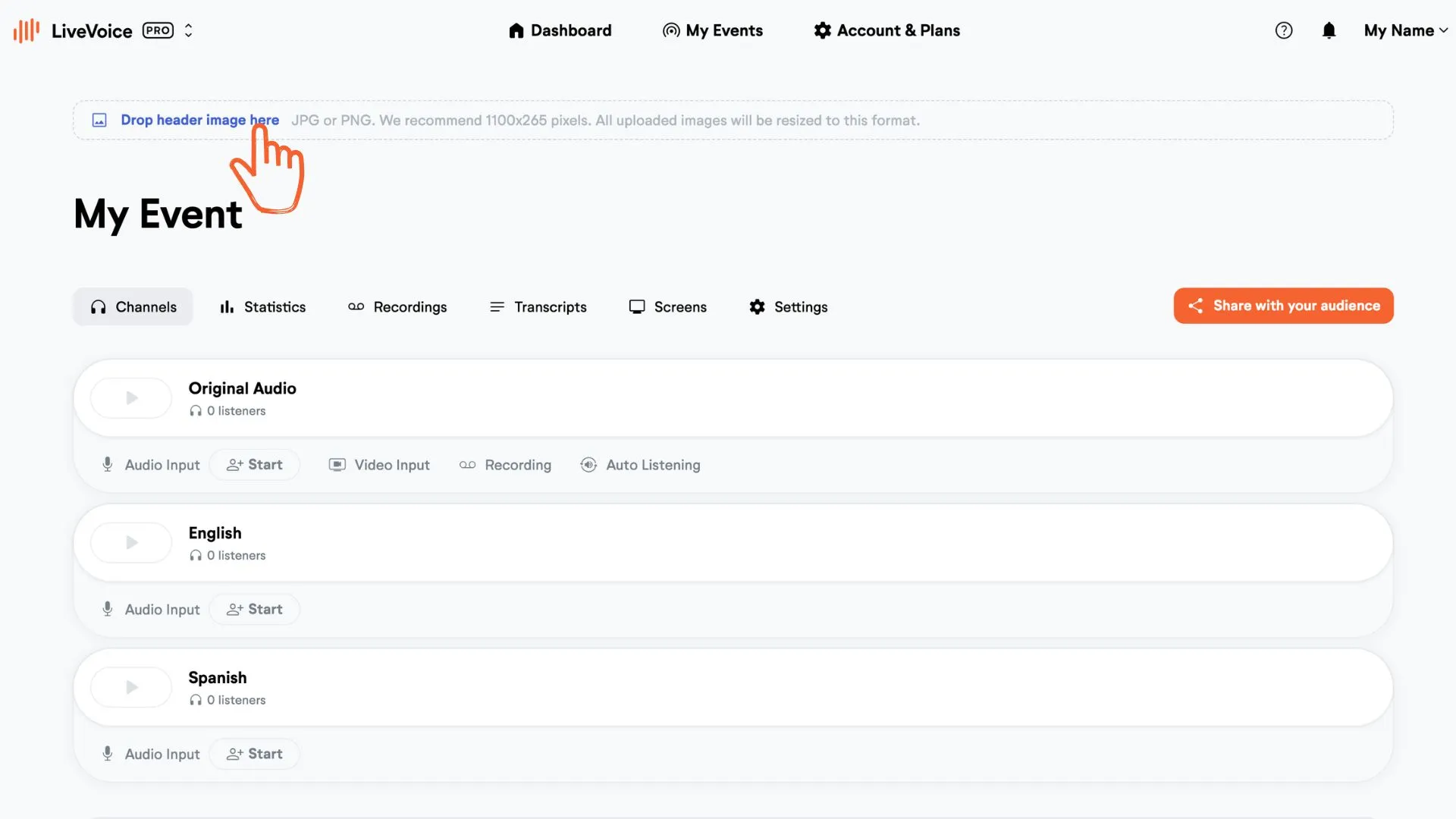
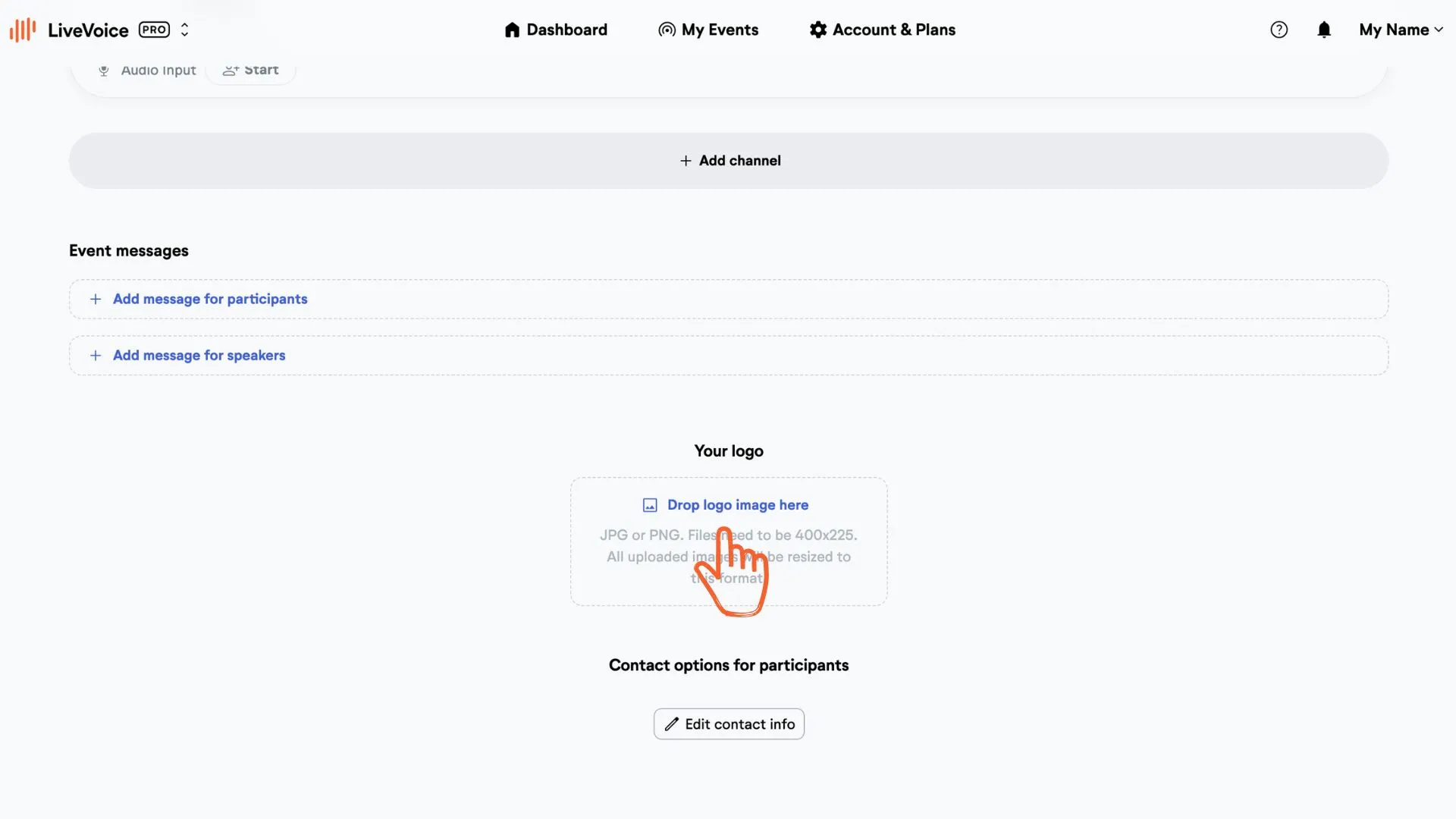
To add the header image and logo, go to your admin account and click or just drop an image and a logo.
- Header image format: 1100 x 265 px (JPG or PNG) or 2200 × 530 px
- Logo image format: 400 × 225 px (JPG or PNG)
Add header image:
Add Logo:
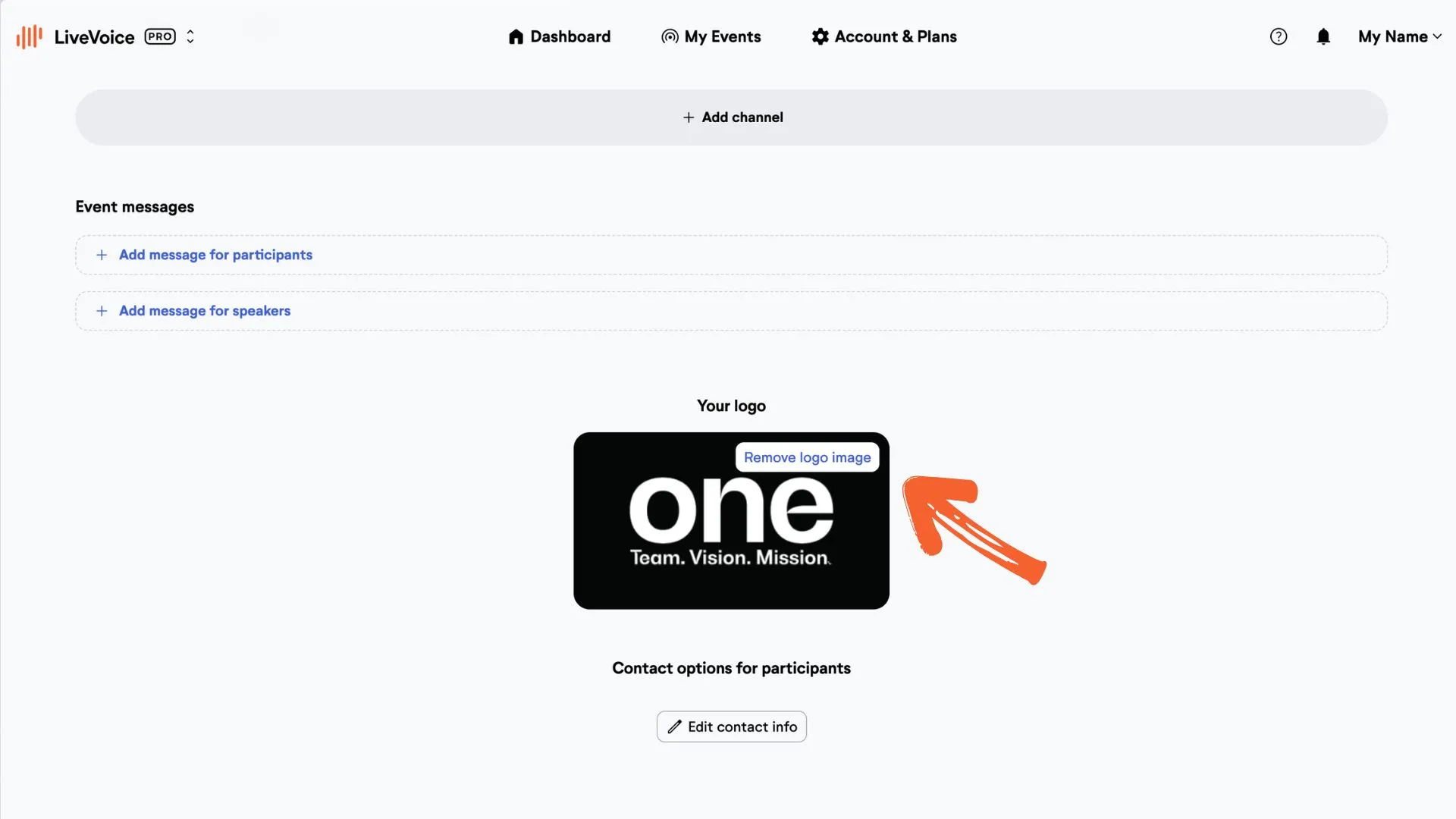
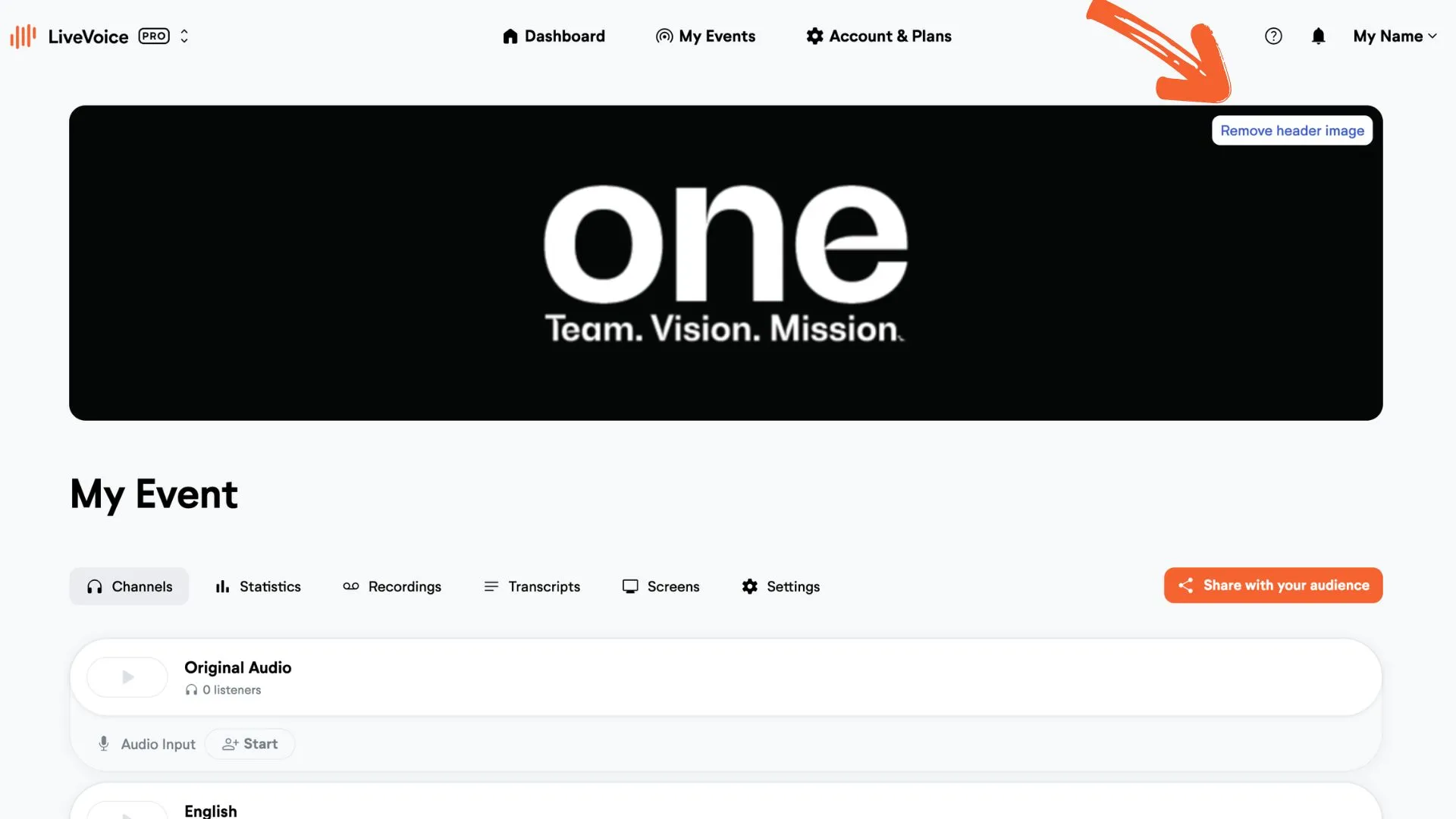
You can of course always change or remove the header image and the logo
Remove header image:
Remove logo: